SYSTEM
OUR SERVICE
YOUR CONCERNS
No matching site to join and no referral fee. Just contact us through the enquiry form.
With no company in between, you pay only for the development itself. For handovers and maintenance, our prices are on this page.
If preparing a large sum at once is difficult, we can accept payment in instalments. Please talk to us about the number of payments.
Unlike off-the-shelf software, you will not be burdened with features you never use. We build only what your work needs, on screens that are easy to use.
The same company that hears your requirements designs and builds the system. Nothing gets lost in the relay, and even the finer details take shape as you meant them.
Bug reports come straight to us, the company that built the system. No passing you from one contact to another: we investigate the cause and fix it ourselves. We also look after the system after delivery.
Over sixteen years we have built a great many systems. Because most of them are internal to our clients' businesses, we cannot show them. What we can describe is the kind of system we are asked for most often, and — the question we get asked more than any other — how a project actually proceeds from first conversation to handover.
ERP
Core business system
Enterprise Resource Planning
Brings sales, inventory, production and accounting into one place, so that work and numbers can be followed across departments instead of stopping at each one.
MES
Production control
Manufacturing Execution System
Covers the plan, the actual output, progress and quality. The shop floor becomes visible as it happens, which is where waste and delay start showing up early enough to fix.
OMS
Order management
Order Management System
Quotation through order, shipping and invoicing in one flow. No double entry, no transcription errors, and everyone can see where a job has got to.
TMS
Trading management
Trade Management System
Handles both the buying and the selling side, so cost and margin are known per transaction — including the calculations that change with market price and volume.
IMS
Inventory management
Inventory Management System
Tracks goods in, goods out and stock on hand in real time. Less time lost to stocktaking, fewer stockouts, and less cash tied up in overstock.
CRM
Customer management
Customer Relationship Management
Keeps customer details, opportunities and correspondence in one shared record, so that knowledge does not live only in one person's head.
CES
Cost estimation
Cost Estimation System
Calculates public-works costs from unit prices and labour standards, reproducing manual calculations to the yen and cutting both effort and errors.
CPM
Construction management
Construction Project Management
Brings progress, cost, ordering and billing for each project into one place, so the site and the office work from the same figures and keep projects profitable.
LTC
Care records
Long-Term Care Management
Records resident details, care notes, vital signs, medication and schedules, and shares them across staff — less paperwork and smoother handovers.
EXP
Export management
Export Management System
Tracks the goods, vessel and destination port for each container, and produces export documents such as the invoice and packing list automatically, with the profit on each shipment.
BIS
Business intelligence
Business Intelligence System
Aggregates sales, cost and profit data into charts and tables, so the figures you need for management decisions are always at hand.
TSM
Task and schedule
Task & Schedule Management
Manages to-dos, tasks and schedules in one place and syncs with external calendars, so nothing falls through the cracks.
We have also built automated web data collection, LINE WORKS integrations and much else besides.
We can build AI into a system (including local AI that keeps your data in-house), take on PLC ladder programming and analysis for factory equipment, and handle IoT development and factory monitoring.
By bringing AI into our development work, we can now build systems that were once given up on because of the time or cost involved.
If you think "that system could never be built", that is exactly when to talk to us.
DEVELOPMENT PROCESS
Development Preparation
We come to you where that is practical, and meet online where it is not. The purpose of the first conversation is to understand two things properly: what is causing you trouble today, and what you would like to be true instead.
While we walk through how the work currently flows, we also look for the parts that AI could take over — generative AI, AI-OCR and so on — and propose the combination of system and AI that fits, rather than assuming either one is the answer.

Contracts & UI Design
We pick out what can realistically be delivered, write a short requirements document, and submit a quotation. Once you are satisfied with it, we sign a development contract.
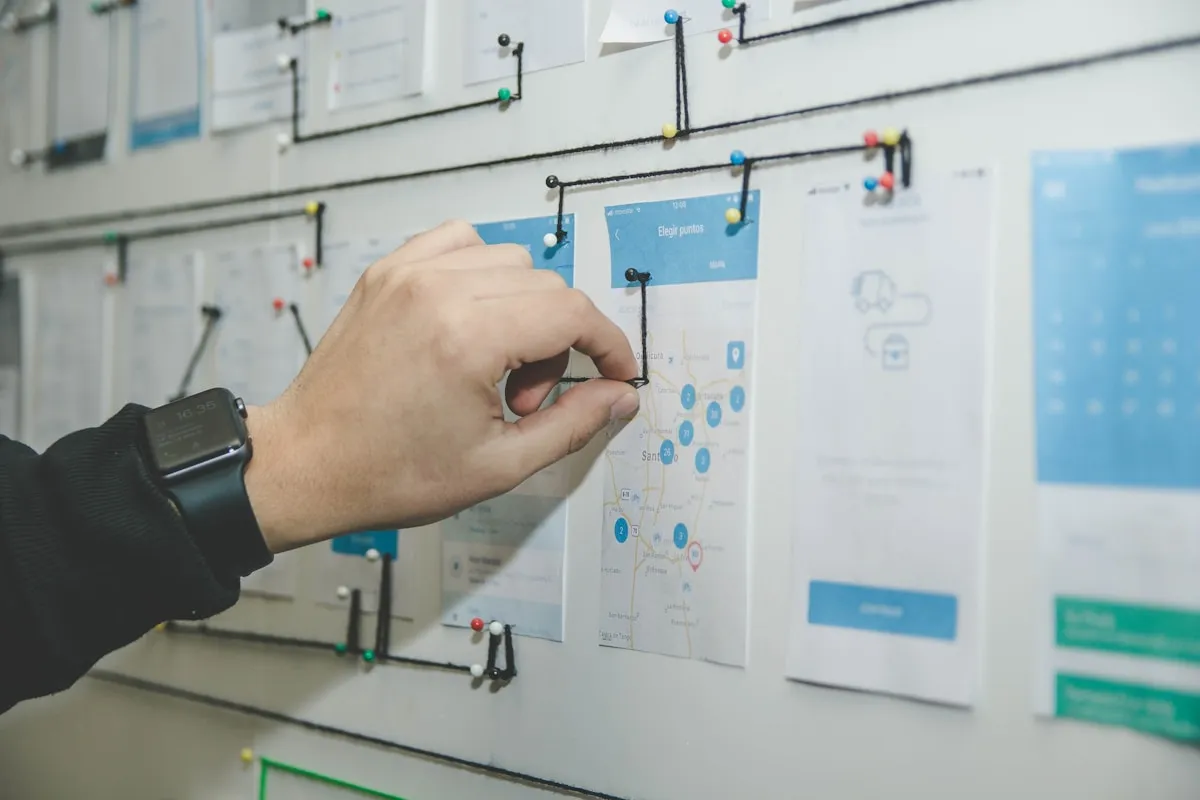
Then we design the screens, with usability at the front of our minds. We use design tools and AI to get something concrete in front of you early, and review it with you as we go — which is usually the point at which the whole system stops being abstract.
Development Kickoff
Working from the UI specification, we decide what data is genuinely needed and how it should be structured, and write that up as the database and function specification. If AI features such as a chatbot or demand forecasting are part of the plan, this is also where we organise the data they will learn from or refer to — we may need your help gathering it.
With the specifications settled, we build the screens, the database and the server environment, and write the functionality. We use AI heavily in our own development work, which is part of how we keep both speed and quality up.
Which specification documents are produced varies from project to project.

Validation & Delivery
When the build is complete we test it, using AI to widen the range of cases we check, and write the operating manual alongside. Once testing is done we install the system on your devices and walk your people through it. When it runs without trouble, we hand it over with a completion report.
There is then a verification period during which you use the system yourselves. Anything that turns out to be a defect we fix as quickly as we can. Changes to the agreed specification are quoted separately.
Operation & Maintenance
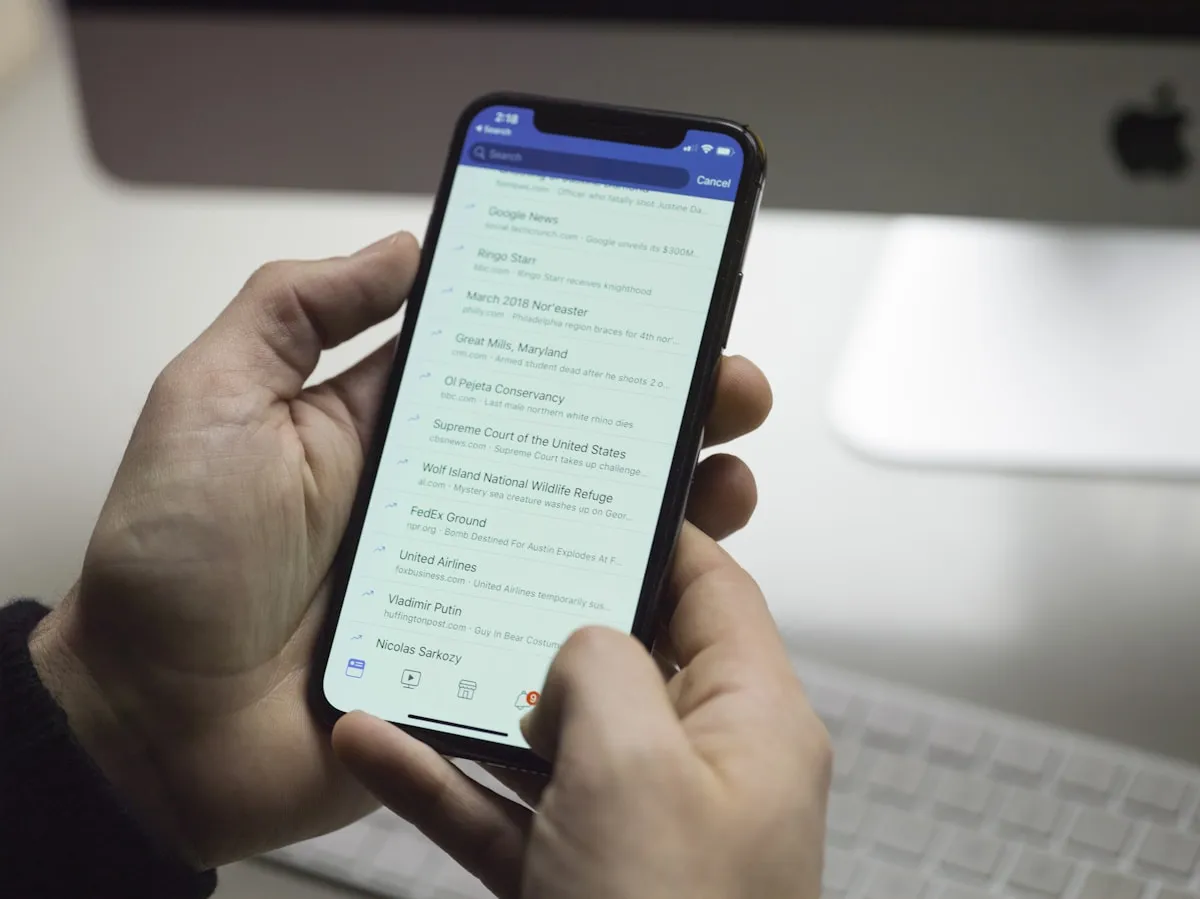
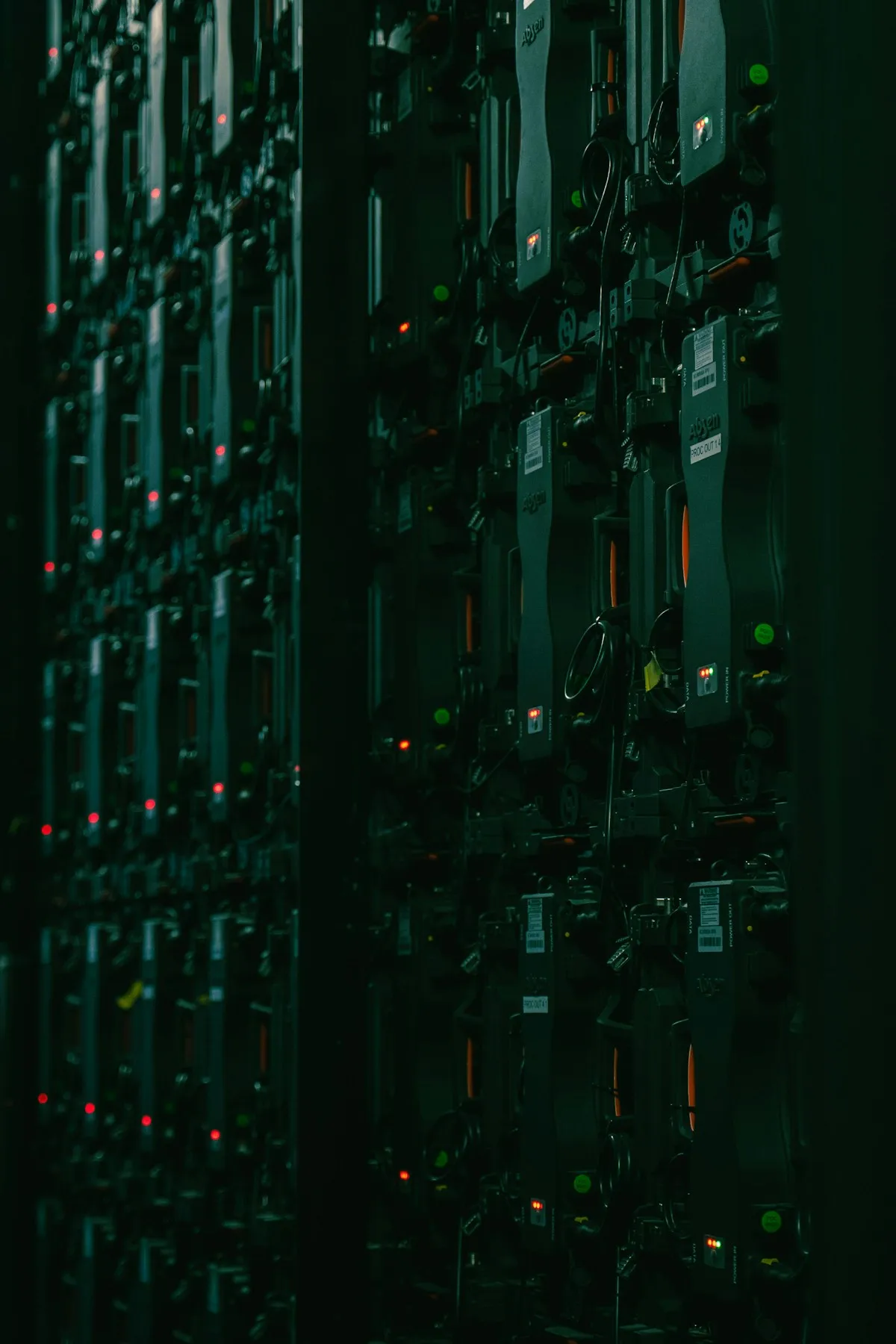
After the verification period the system goes into daily use. Clients on a maintenance agreement get defect resolution plus support for database backup and restore. Where AI features are in place, we also keep working with you on answer quality and on making better use of the data you are accumulating.
A maintenance agreement is separate from the development contract, as is any later work to extend the system.
That is how a typical project runs. For a system of ordinary scope, expect three to five months. Enquiries have been increasing, and when projects overlap we sometimes have to decline — so if you are considering something, it is worth talking to us early. The first conversation costs nothing.
SYSTEM HANDOVER
Web systems (Laravel, PHP, WordPress) and desktop applications (VB.NET, C#) are both covered.
What cannot be fixed, we rebuild. The assessment starts at JPY 30,000, and we work remotely.
We can visit anywhere in Japan on request. For the detailed price list (PDF), use the form below.
When old PHP versions reach end of support, hosting companies ask you to move plans or stop the service. Miss the deadline and the system stops working.
Outdated PHP and libraries still carry publicly known vulnerabilities. They lead to defaced pages and leaked customer data.
If the domain is still registered to the developer, renewal notices never reach you. Once it lapses, both the website and email stop.
A failed server or PC can stop the system without warning. Old applications may not run on a new PC or Windows version. Without a backup, the data does not come back.
In October 2026, a serious PHP vulnerability was announced and fixed releases were published. Fixes only come out for versions that are still supported. Old versions such as PHP 7.x get none, so the system keeps running in an unsafe state without anyone noticing.
Systems you still use: take overWork is done remotely
1. Handover assessment5 business days after we receive the materials (visit on request)
2. Handover work2–4 weeks
3. Monthly maintenanceOne-year contract
* When a Laravel or PHP system gets old, the version upgrade pack moves it to current versions.
Systems that cannot be fixed: rebuildBuilt new, keeping your screens and data
1. Handover assessment5 business days after we receive the materials (visit on request)
2. RebuildWe list every feature, build it new and move the data
3. Switch-over and maintenanceTraining and parallel running (remote where possible)
Sites you no longer update: go staticNo more monthly maintenance
1. Handover assessment5 business days after we receive the materials (visit on request)
2. Convert and moveTo plain HTML on low-cost hosting
3. Update only when neededFrom JPY 5,000 per update
PRICING
Prices exclude consumption tax. The size of a system is set during the assessment by counting its screens and database tables.
Every job starts here. We charge for it so that we can take the time to look at the system properly.
We aim to take on every system
The assessment looks for the way we can take it over.
We only decline if we find data being handled in a way that breaks the law. Even then, you receive the report and we point you to someone who can help.
We bring "who runs what, and where" under our management and write it all down. Once this is done, monthly maintenance can begin.
There are three plans, depending on whether the server moves and how many systems there are. The documentation is written so that another company could use it as it is. We do not lock you in.
| Plan | Monthly | Included / hours |
|---|---|---|
| Light | From JPY 20,000 | Backup and restore work, weekly backup checks, PHP and library updates, first response to failures, a monthly report (one email) Weekdays 9:00–18:00 JST. No work hours included |
| Standard | From JPY 30,000 | Everything in Light, plus fixes and wording changes (up to 3 hours a month), priority handling, and a yearly full review Weekdays 9:00–18:00 JST. Urgent issues started by the next business day |
| Extra work | From JPY 8,000 / hour | Work beyond the plan's hours, quoted in advance |
When a serious vulnerability is announced, we act within 48 hours.This applies when a serious vulnerability in PHP or similar is made public, for every client on Light or above.
We move PHP 7.x to 8.x, and Laravel 5–9 to the latest supported release, priced by size.
Three plans (S, M and L) by size: the number of screens and tables. New features and changes to screen design are quoted separately.
For systems too old to fix: we build them new, keeping your current screens, reports and data. This covers old desktop applications, web systems in languages other than PHP, and systems whose source code is lost. You choose whether the new system is a web system used in the browser or a new desktop application.
Three plans by size. We keep your current screens, reports and data, and after the switch-over, monthly maintenance looks after the new system. New features, or changes that reshape how the work is done, are quoted separately. For larger quotations, payment in instalments is possible.
For sites you no longer update but still pay to maintain. We turn WordPress or an old CMS into plain HTML that needs no PHP, and move it to low-cost hosting. No more monthly maintenance.
Three plans by the number of pages. Updates after conversion start at JPY 5,000 each. Sites with member, booking or search features are not covered.
What we do
What we do not do
The price list (PDF) gives the plans by size for handover work, version upgrades, rebuilds and static conversion, with what is included and what is not. We will email it within 4 business days (Japan time). Use it for discussions inside your company.
We start the assessment only after you apply. We never look into another company's server without your permission.
FAQ
How long does a system take to build, and what does it cost?
It depends on scope, but a typical system takes three to five months. Quotations are free. If the budget is tight, we can propose a phased plan that builds the most valuable part first.
We are not in Japan. Can you still work with us?
Yes. We work remotely across Japan and with clients overseas. Meetings can be held online, and written correspondence in English is welcome. Please note that our working hours are Japan Standard Time (UTC+9).
Can we ask for something small?
Yes. Automating a spreadsheet routine, or a small tool for one department, is a perfectly normal request. Starting small, confirming it helps, then widening the scope is a sensible way to work and one we often recommend.
Can you modify an existing system, or take over one built by another company?
We can. Web systems and desktop applications built by other companies start with a handover assessment (JPY 30,000, excl. tax). We look at how the system is built, then quote for handover, maintenance, upgrade or rebuild. We can also work without surviving documentation. If you are thinking about adding AI to it, see AI development as well.
Can you rebuild an old desktop application?
Yes. We rebuild it as a web system or a new desktop application, keeping your current screens, reports and data (rebuild plan from JPY 1,200,000, excl. tax). If it can be maintained as it is, we take it over without rebuilding. The assessment tells you which is better.
We do not have the source code. Can you still take it over?
Yes. We first check whether it is still on the server. If it is not, we take the system on by rebuilding it from the current screens and your data (rebuild plan).
Can you handle handover and maintenance from a distance?
Yes. The work is done remotely, so we accept clients from anywhere in Japan. If you want a visit for the assessment, you pay travel costs, plus accommodation if the site is too far to return the same day. There is no daily fee.
Can we talk to you without our current developer knowing?
Yes. We never tell your current developer about your enquiry or the assessment. We start only after you apply, and work only within the logins you give us.
Can we cancel monthly maintenance?
The contract term is one year. After that, you can cancel with one month's notice. When you cancel, we hand back all the documentation and logins.